# twofauth

<style>
    html.dark .light-screen,
    html:not(.dark) .dark-screen {
        display: none;
    }
    html.dark .dark-screen,
    html:not(.dark) .light-screen {
        display: block;
    }
</style>

<div class="card-signal-group tfauth-hero p-6 ">
    <div class="card-signal-container">
        <img src="/static/2fauth_dark.png" alt="logo" width="50px" />
        <div class="tfauth-hero-heading font-card-title leading-card-title text-card-title-text md:text-card-title-md">Take back control of your 2FA workflow</div>
        <p class="text-card-kicker font-card-kicker text-card-kicker-text card-kicker-case">Self-hosted OTP manager for individuals and teams</p>
        <p class="mt-12 text-xl">
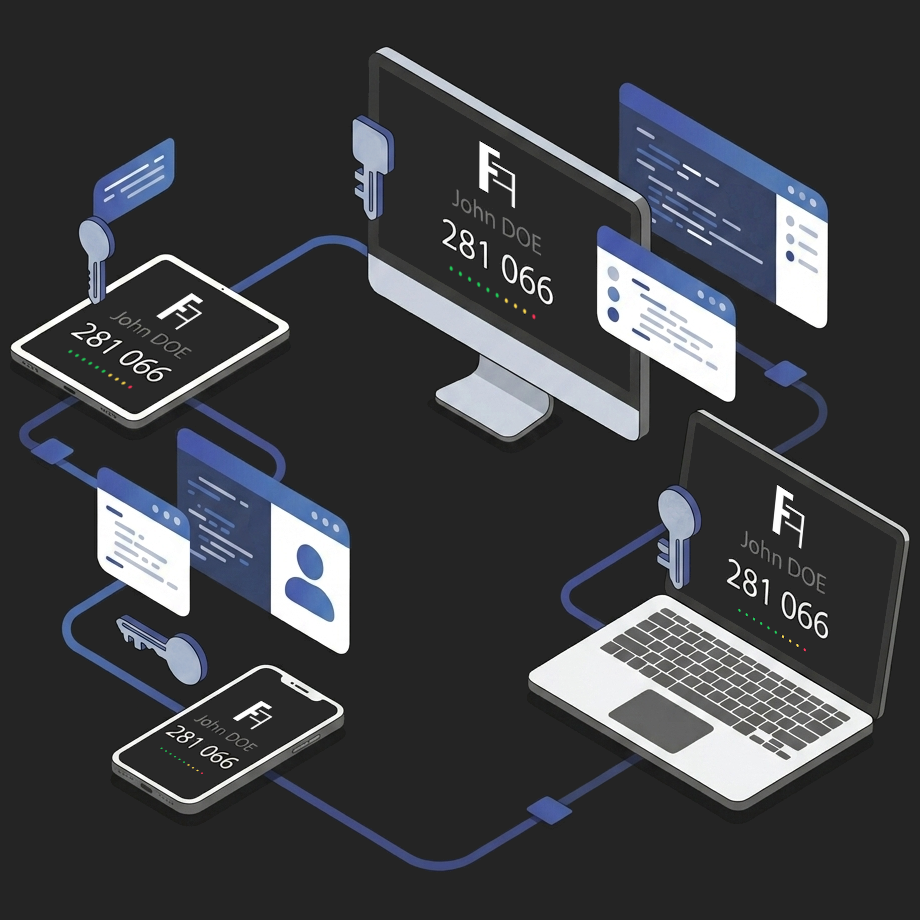
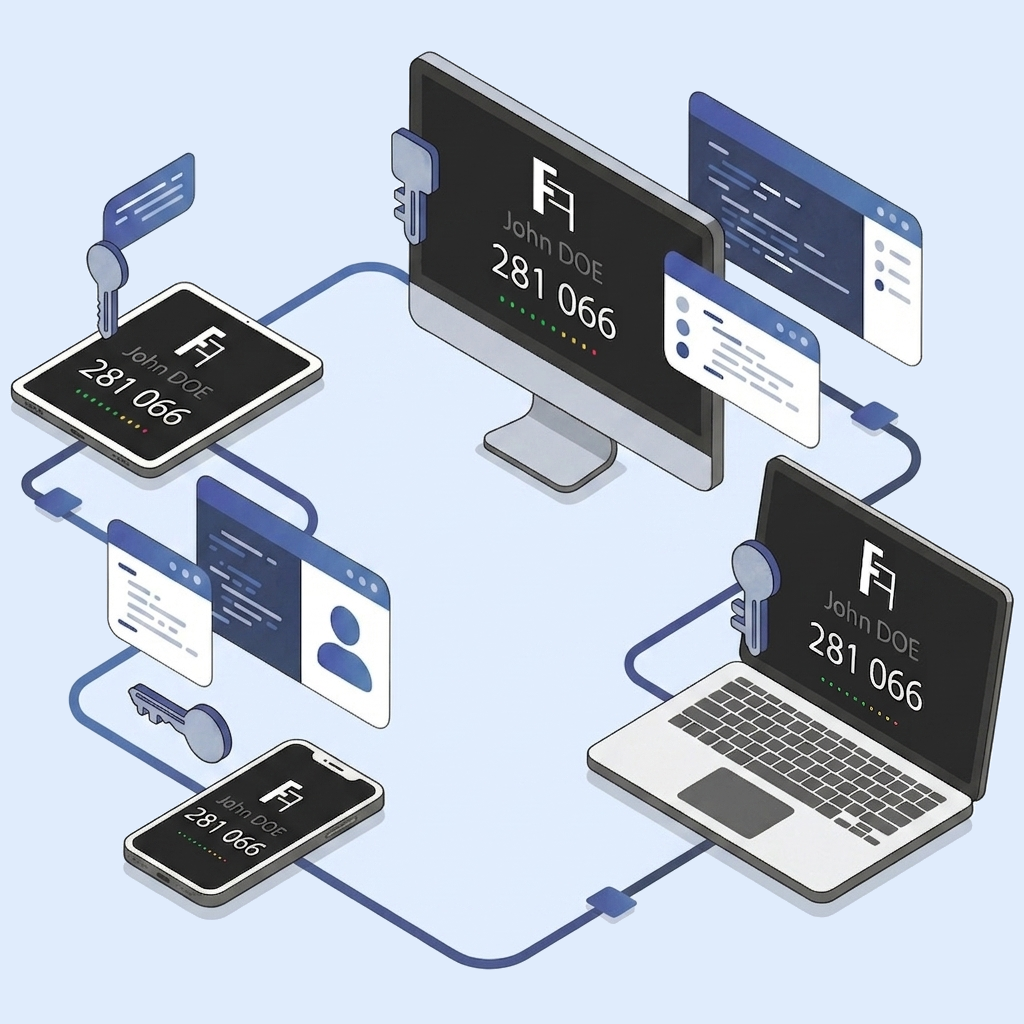
            2FAuth lets you securely store, generate and organize your two-factor authentication codes in a modern web application.
        </p>
        <p class="">
            Whether you need to protect personal accounts, manage company access, or secure your family’s online activities, 2FAuth provides a secure and independent alternative to proprietary authenticator apps.
        </p>
    </div>
    <div class="card-signal-container">
        <img src="static/hero_light.png" alt="Image du hero" class="dark:hidden md:inline-block rounded-lg w-full h-auto" width="50%">
        <img src="static/hero_dark.png" alt="Image du hero" class="hidden dark:inline-block rounded-lg w-full h-auto" width="50%">
    </div>
</div>

---

## Why 2FAuth?

Most authenticator apps lock your 2FA personal data inside closed ecosystems tied to a single device, account or vendor. It is restrictive, not very agile, and quite time-consuming.

2FAuth takes a different approach to bring you control, privacy and efficiency:

{.list-icon}

- :icon-check: Accessible from anywhere
- :icon-check: You own your data
- :icon-check: Integrates seamlessly with any authentication workflow
- :icon-check: Built for both personal and collaborative use
- :icon-check: Allows backup, import and export
- :icon-check: Fully customizable

In front of your computer, without your smartphone, dealing with a code request? No problemo, just open 2FAuth in a browser to get a code, and voilà!

---

:::text-center

## The 2FAuth experience

:::

:::feature-grid
||| :icon-accessibility: Suitable & Confortable
Save and organize your 2FA accounts in a clean, modern and adaptive interface.

- QR code scanning and manual setup
- Icons, Groups filtering & search
- Import from popular authenticator apps
- Steam friendly

||| :icon-device-desktop: Works everywhere
Your codes are always at your fingertips.

- Generate OTP from any browser, on any device
- Web extension for even more convenience
- No dependency on a single phone
- No lock-in

|||
:::

:::feature-grid
||| :icon-people: Multi-user Ready
Designed for organizations as much as individuals.

- Multi-user management
- Isolated personal vaults
- Control of registrations

||| :icon-share-android: Share 2FA safely
2FAuth allows secure sharing of 2FA codes between users so teams can:

- Manage shared services
- Onboard/Offboard seamlessly
- Focus on value-adding tasks, not accesses

|||
:::

:::feature-grid
|||:icon-shield-check: Security & Privacy
You remain in control of your infrastructure and your data.

- Encrypted secrets storage
- Session auto-lock
- Control of OTP visibility
- Auditable logs for accesses & OTP generations

||| :icon-key: Flexible authentication
Integrates with your authentication means and habits.

- Password or Passkey-protected user accounts
- SSO & Authentication Proxy support
- Personal access tokens

|||
:::

:::text-center
>
> Want to try 2FAuth? A demo is available at <https://demo.2fauth.app>
>
> {.text-xs}
> You can connect using the email address `demo@2fauth.app` and the password `demo`. The demo is reset every hour.

:::

---

## Get Started

[!card layout="signal" title="Self-hosted server" text="We guide you through a typical installation process using either NGINX or Apache2 web server." icon="server"](/getting-started/installation/self-hosted-server.md)
[!card layout="signal" title="Docker install" text="Deploy 2FAuth in minutes using Docker and integrate it into your existing infrastructure." icon="container"](/getting-started/installation/docker/docker-compose.md)

[!card layout="signal" title="Environment variables" text="Learn about the available environment variables that let you set up 2FAuth according to your needs." icon="gear"](/getting-started/config/env-vars.md)
[!card layout="signal" title="User preferences" text="Explore all the available user preferences and learn how to preconfigure them." icon="tools"](/getting-started/config/user-preferences.md)

---

## Browser extensions

:::dark-screen
-![|400](/static/webextension_dark.png)
:::
:::light-screen
-![|400](/static/webextension_light.png)
:::

Quickly capture and register 2FA secrets directly from your browser, or simply get a fresh OTP in a breeze.

The 2FAuth Web Extension is the perfect companion for your daily 2FA needs.

{.text-xs}
You must have a running instance of 2FAuth to use these extensions; they are not standalone.

<figure class="content-left">
    <a href="https://chromewebstore.google.com/detail/2fauth-beta/kokhpbhfeokchmbimdlaldcmlinjpipm" target="_blank">
        <img src="../static/available_on_chrome_web_store_bordered.png" alt="Available on Chrome web store"/>
    </a>
</figure>
<figure class="content-left">
    <a href="https://addons.mozilla.org/fr/firefox/addon/2fauth-addon/" target="_blank">
        <img src="../static/available_on_amo.webp" alt="Get the Firefox addon"/>
    </a>
</figure>

<div style="clear:both"></div>

---

## Developer friendly

2FAuth provides an API to automate and integrate your authentication workflows.

[!card layout="snap" title="Explore the API"  icon="codescan"](/api)