

Personal Access Token
Use Personal Access Tokens (PAT) to authenticate the 2FAuth Web Extension or to authenticate requests sent to the 2FAuth REST API.
Creating an access token
Open the 2FAuth Settings > OAUTH section and click the Generate a new token link to generate a new token.
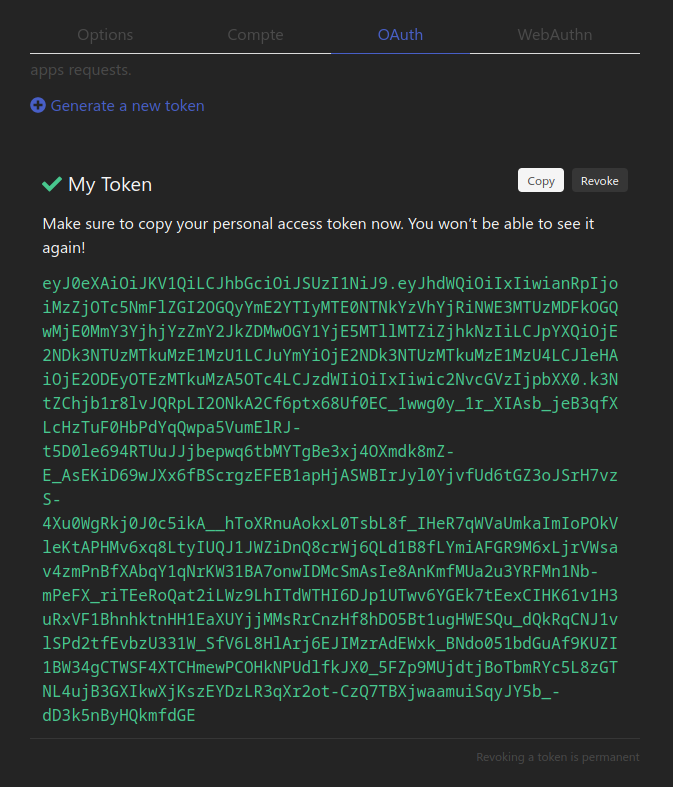
The token will only be shown once, right after its creation, so copy it immediately because you won't be able to display it again.
Revoking an access token
You can revoke a personal access token by simply clicking its
Revoke
button in the Settings > OAUTH section. A request made with a revoked token will receive a 401 Unauthorized response.
The revocation of a token is permanent and cannot be undone.